 CampSavvy
 Help › Maintenance
Service History Report
A PDF of everything done to your RV, to share or print.
★ Pro — part of CampSavvy Pro
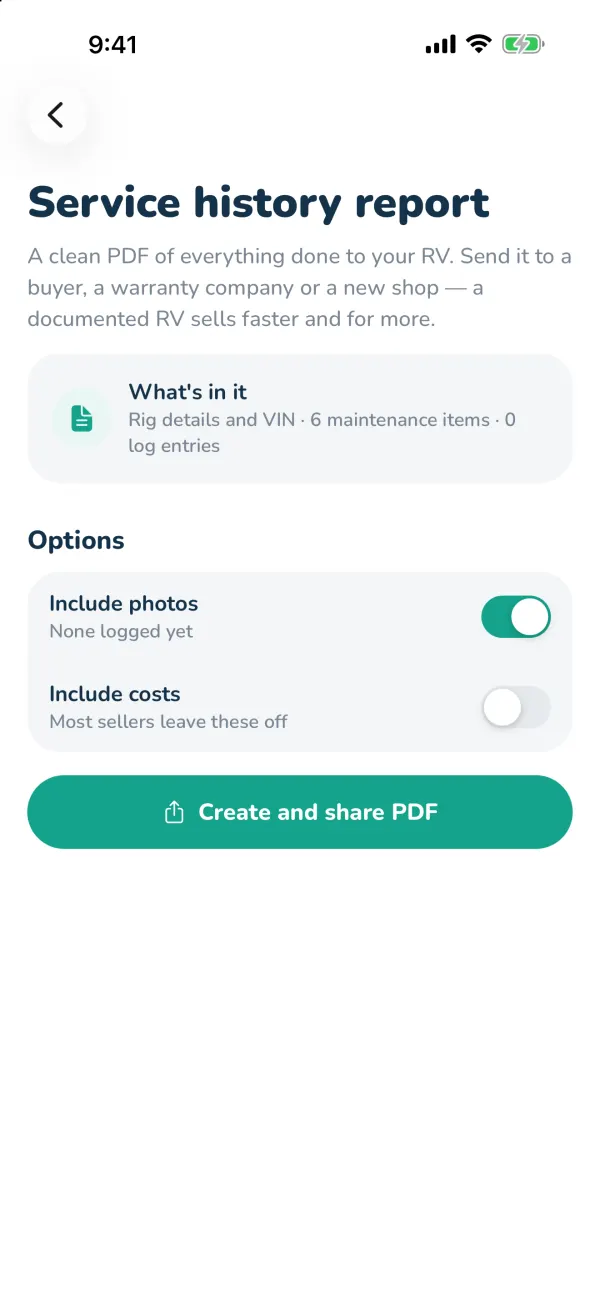
A clean PDF of everything done to your RV (Pro). Send it to a buyer, a warranty company or a new shop — a documented RV sells faster and for more.
Make the report
- On the Service tab, tap Service history report.
- Choose Include photos (up to 30) and Include costs — most sellers leave costs off.
- Tap Create and share PDF. Email it, text it, AirDrop it, save it to Files or print it.
What's in it
- Your rig: type, model, chassis, VIN, mileage, engine and generator.
- The maintenance record: each service, when, the mileage, who did it, and when it's next due.
- Your service log, with photos if you chose them.
- Visits from a connected repair shop.
Still stuck? Email [email protected] and tell us your phone model and what you were trying to do.