 CampSavvy
 Your Account & Backups
An account backs up everything you put in CampSavvy — your rig, checklists, maintenance, service log and photos, tanks, trips and settings. Get a new phone, sign in, and it all comes back.
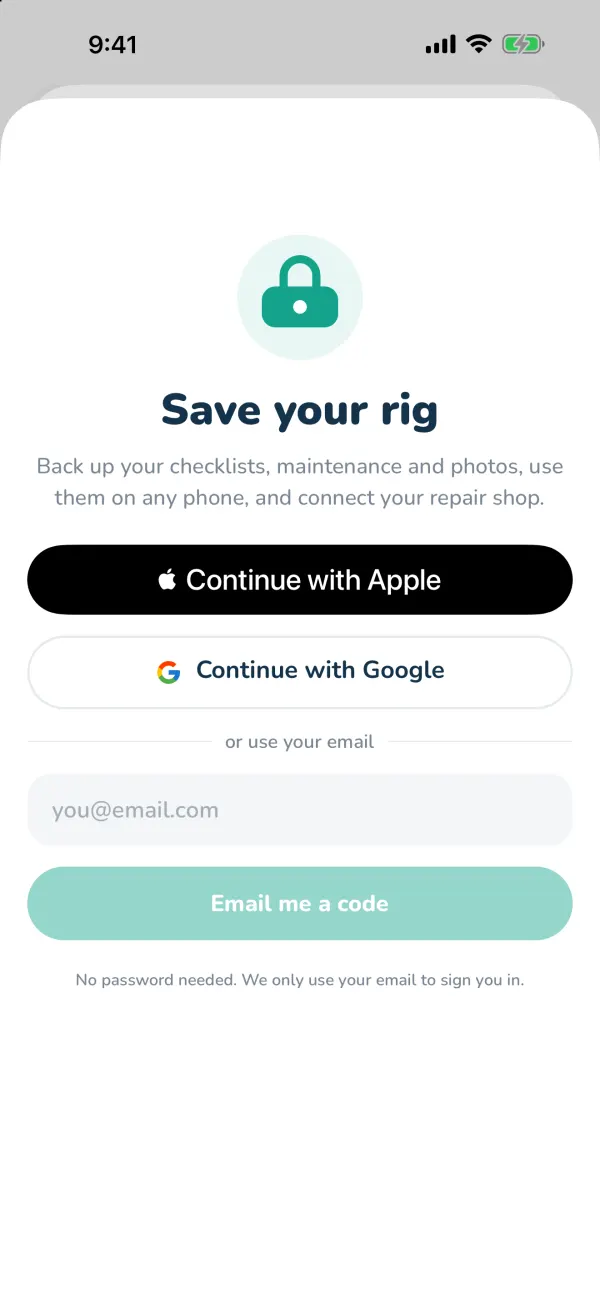
Signing in
- Open Settings and tap Sign in to back up (you're also offered this right after setup).
- Choose Continue with Apple (iPhone) or Continue with Google — or type your email and tap Email me a code.
- For email, enter the code from the message. It works for 10 minutes; tap Send a new code if it runs out.
Prefer not to? Tap Skip for now — keep it on this phone. Everything works without an account; it just isn't backed up, and campground search and trips need you signed in.
How backups work
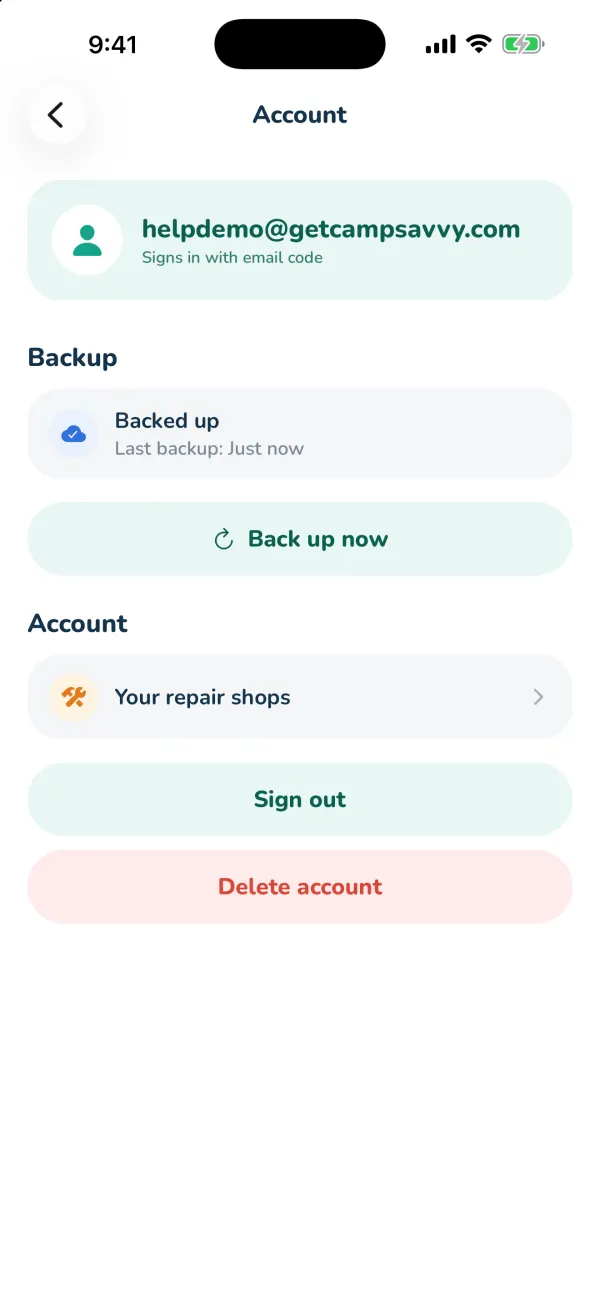
Once you're signed in, changes back up on their own a few seconds after you make them, whenever you have signal. With no signal, the app keeps working and catches up later. Settings → Account shows Backed up and when, or Waiting to back up if it can't reach us yet. Back up now does it immediately.
On a computer
The same account works in the trip planner at getcampsavvy.com/trips. Sign in there by email code, or choose Use my phone and approve it from Settings → Use on a computer — the easy way if you signed up with Apple's "Hide My Email". See Planning on Your Computer.
On a new phone
Install CampSavvy, choose I already have an account, and sign in the same way you did before (same Apple ID, Google account or email). Your rig, lists, schedule, log with photos, and trips download.