 CampSavvy
 Help › Your Repair Shop
Connecting Your Repair Shop
See your shop's work on your RV and keep your schedule up to date.
Free — in the free app
If your RV repair shop uses RVOps, you can connect it to CampSavvy. You'll see the work they've done on your RV, what they recommend, and your maintenance schedule fills in on its own.
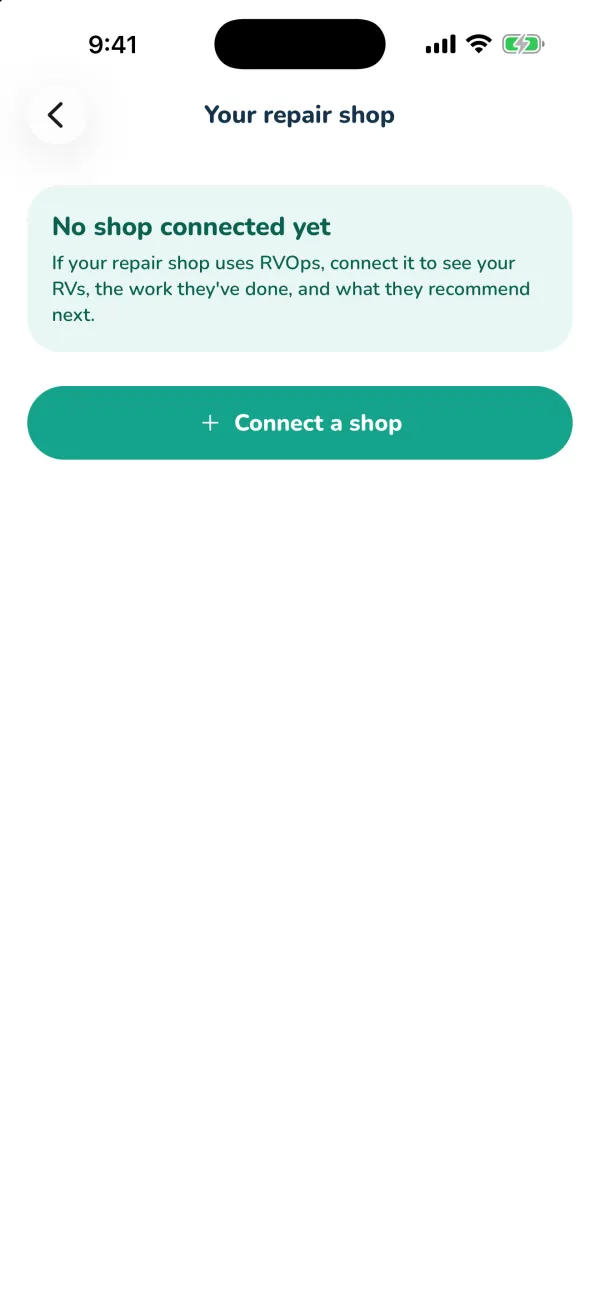
Connect
- Sign in to your CampSavvy account (connecting needs one).
- Go to Settings → Your repair shop and tap Connect a shop.
- Enter the email your shop has on file for you. If you're a customer at a shop that offers CampSavvy, the shop emails you a code — enter it.
- No email on file? Tap No email? Ask your shop for an invite code and enter the code they give you, like
ABCD-1234.
What you see
- Service history — each finished visit, the date, mileage and the work done.
- Your shop recommends — work they suggested.
- Prices are never shared — just the work.
Your schedule updates itself
When the shop logs maintenance — an oil change, a generator service — and it's newer than what you logged, the matching item on your Service tab updates, marked by the shop. Services CampSavvy doesn't have (like an Aqua Hot service) are added as their own items. A card on the Service tab tells you what the shop updated.
Disconnect
Open the shop in Your repair shop and tap Disconnect. The shop can also turn the connection off on their side.
Still stuck? Email [email protected] and tell us your phone model and what you were trying to do.